




















Made and hosted in Switzerland icon
100 % Hosting in der Schweiz

Spesen zentral verwalten. Einfach abrechnen.

Mit Spesen Cloud erfassen Ihre Mitarbeitenden Belege unterwegs. Ihr Backoffice prüft, gibt frei und exportiert alles zentral - schnell, übersichtlich und bereit für Ihre Buchhaltung.
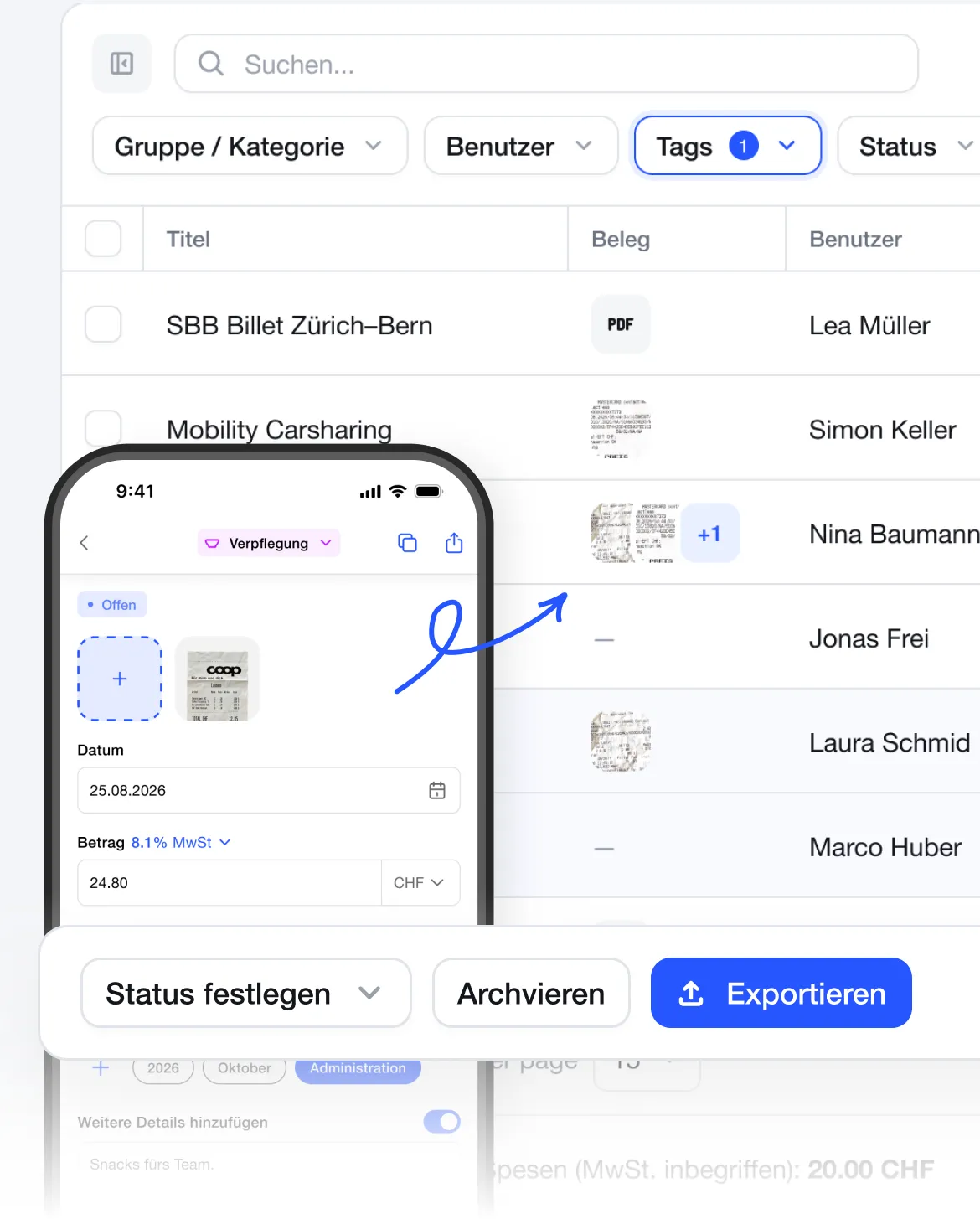
App main screen
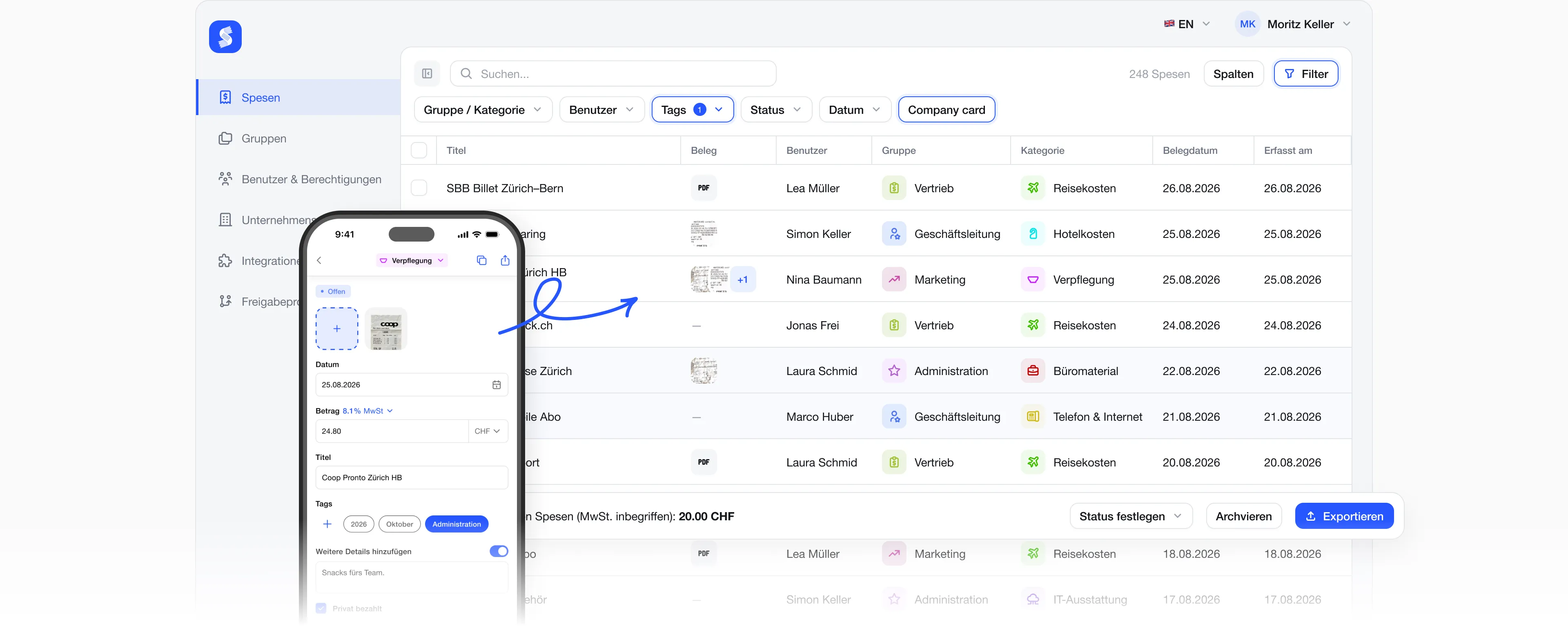
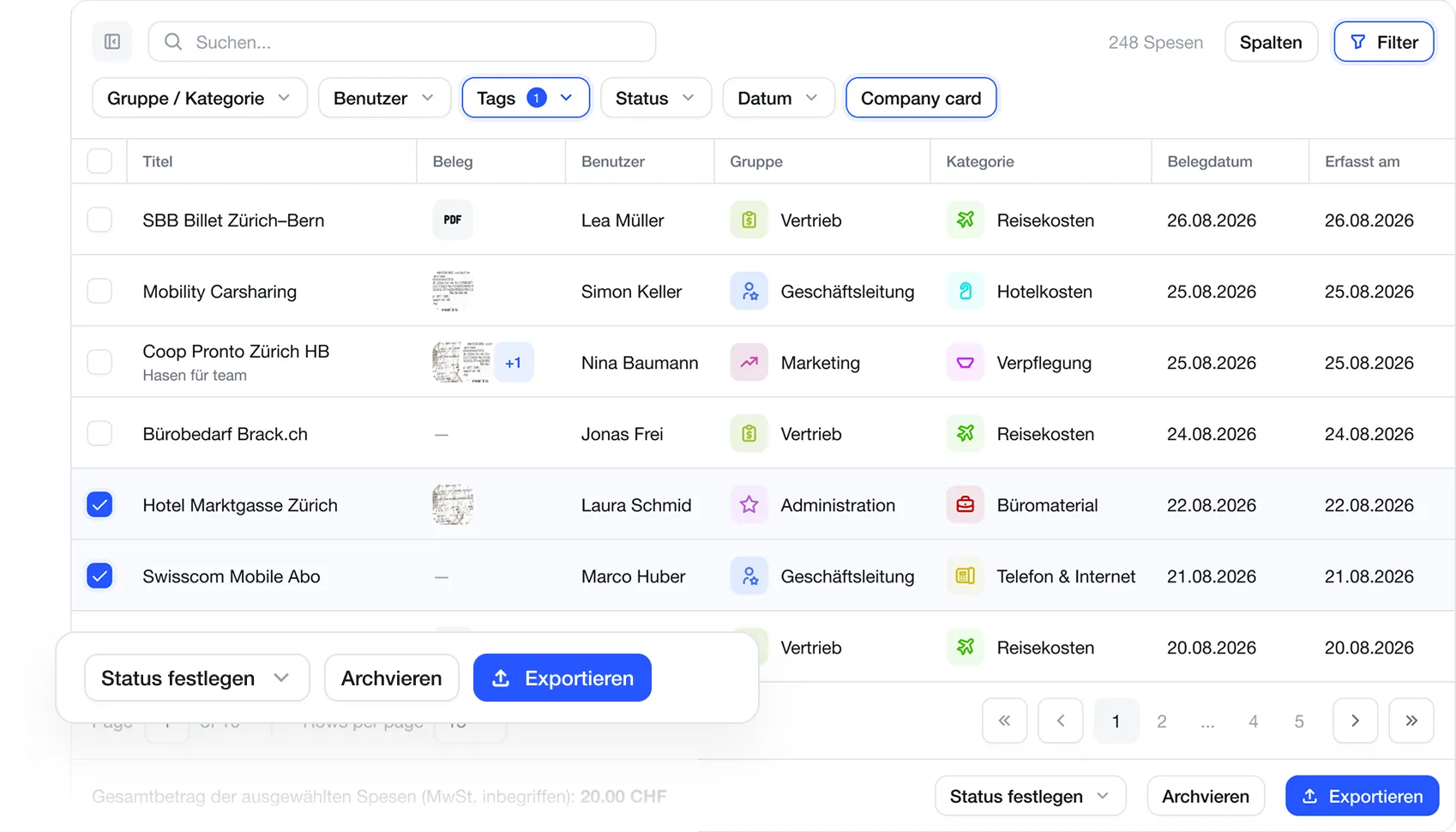
Screenshot of an expense management user interface showing a list of expenses with columns for Title, Document, User, Group, Category, Document Date, and Recorded Date, including entries like 'SBB Billet Zürich–Bern' and 'Swisscom Mobile Abo' with various statuses, checkboxes selected for two items, and buttons for setting status, archiving, and exporting.
Live-Webinar
17 November
14:00 Uhr

Spesenabrechnung ohne Excel

Erfahren Sie, wie Sie Ihre Spesen digital erfassen, prüfen und abrechnen – einfach, übersichtlich und ohne manuelle Excel-Listen.
Zum Webinar anmelden
Calendar card showing a live webinar scheduled for Tuesday, November 17, 2026, at 14:00.
Ein Prozess für Ihr ganzes Team

Von der Quittung bis zur Buchhaltung

Spesen Cloud verbindet Mitarbeitende, Backoffice und Buchhaltung in einem einfachen Ablauf.
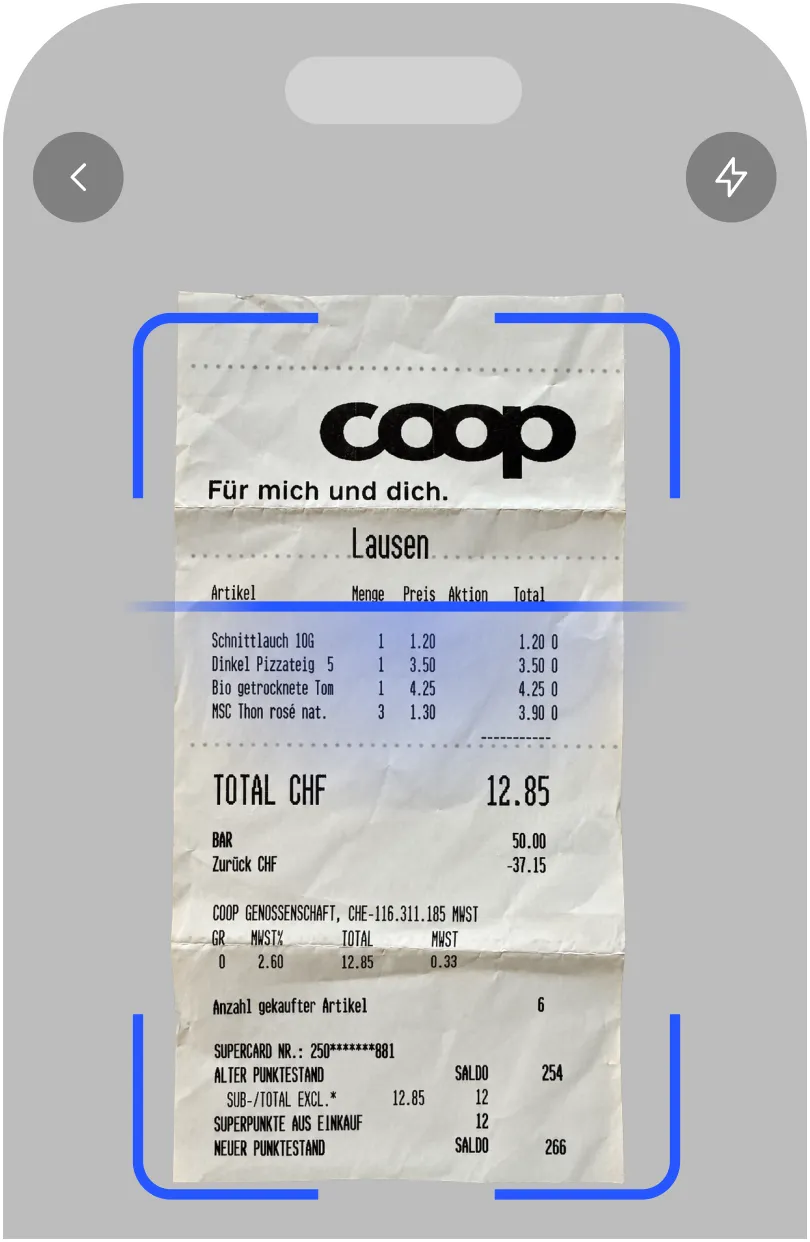
A receipt under scanning with a blue frame, listing a chicken kebab with flour tortilla, cabbage, tomatoes, cucumbers, onions, iceberg lettuce, honey mustard, and roasted sesame, dated 20/10/2024.
01

Beleg erfassen

Mitarbeitende fotografieren Belege oder erfassen Fahrten und Auslagen direkt in der App.
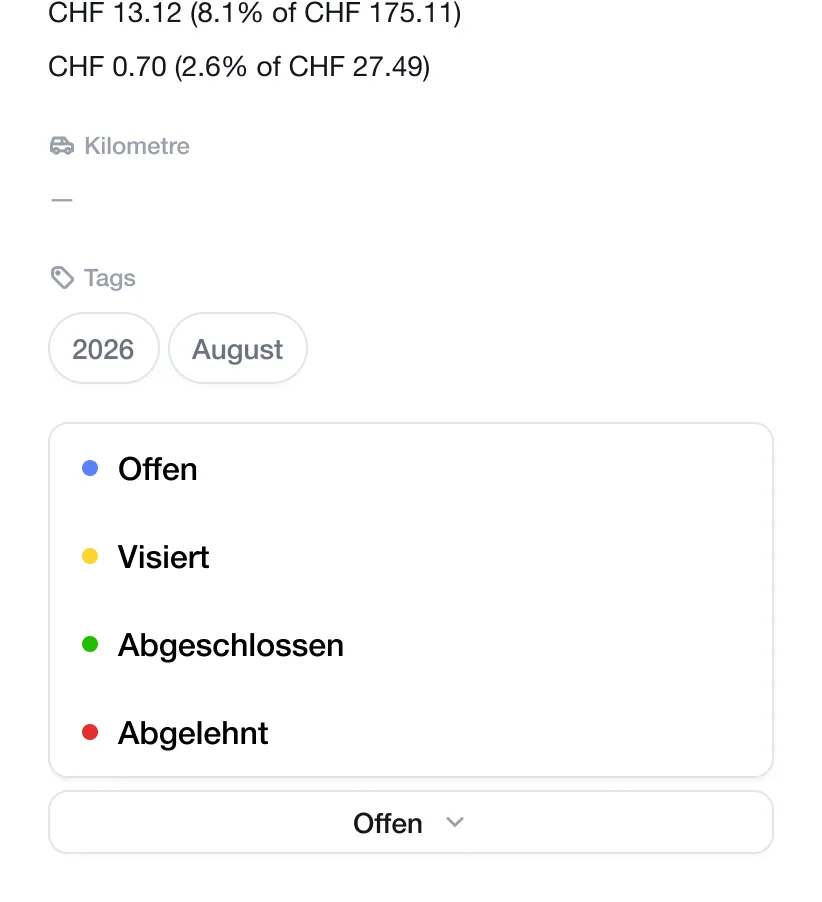
Screenshot showing financial amounts in CHF with percentages, a greyed-out label with a car icon and 'Kilometre', two tags labeled '2026' and 'August', and a legend with colored dots for statuses: blue for 'Offen', yellow for 'Visiert', green for 'Abgeschlossen', and red for 'Abgelehnt', with a dropdown menu showing 'Offen' selected.
02

Prüfen und freigeben

Das Backoffice prüft alle eingereichten Spesen zentral und gibt sie mit wenigen Klicks frei.
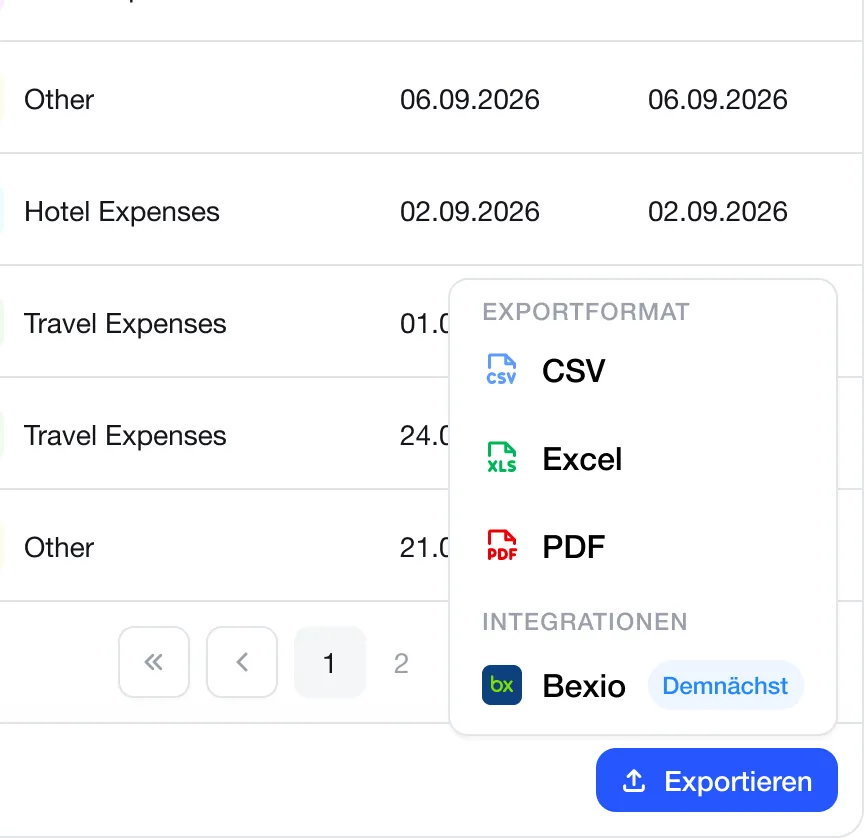
Partial view of an expenses table with categories and dates, showing options to export data in CSV, Excel, and PDF formats, and an integration option for Bexio marked as coming soon, with a blue button labeled Exportieren.
03

Exportieren oder verbuchen

Freigegebene Spesen werden als PDF, Excel oder CSV exportiert - oder direkt an Bexio übergeben.

Alles, was Ihr Backoffice braucht.

Von der automatischen Belegerfassung bis zur Buchhaltung: Spesen Cloud vereint alle wichtigen Prozesse in einer zentralen Lösung.

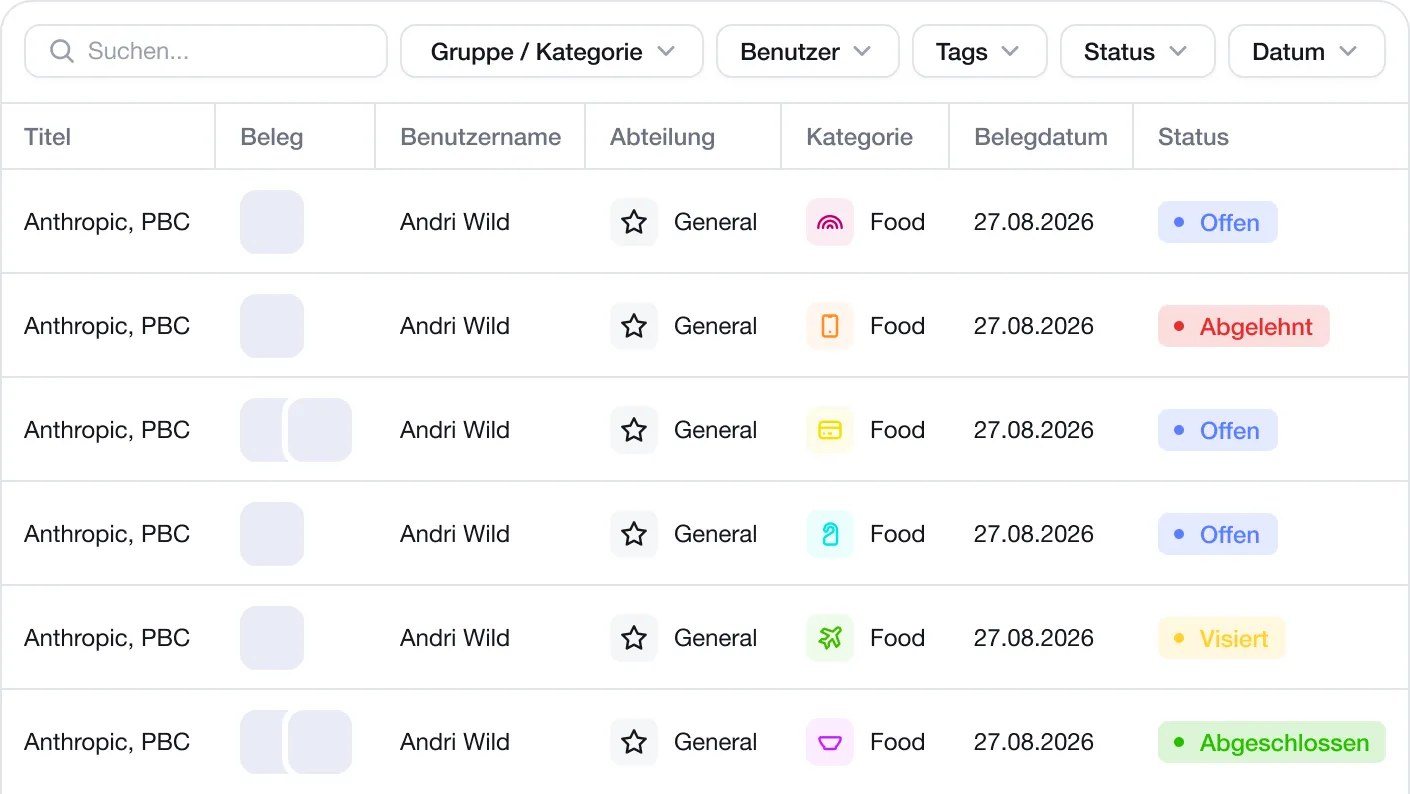
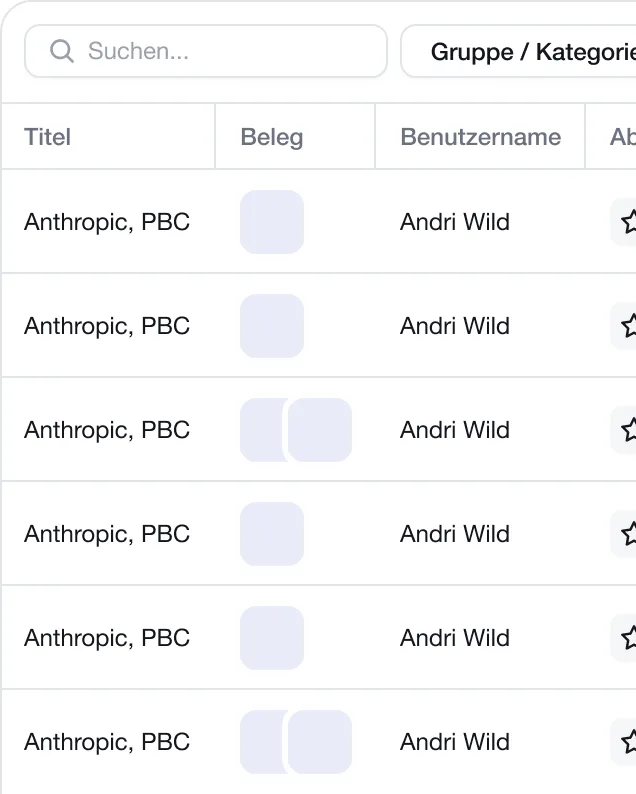
Alle Spesen zentral im Blick

Behalten Sie alle Ausgaben zentral im Blick, filtern Sie nach Status und erkennen Sie offene Aufgaben sofort.
A digital table with columns titled Title, Document, Username, Department, Category, Document Date, and Status. Each row displays 'Anthropic, PBC' as title, Andri Wild as username, General as department with a star icon, Food as category with different colored icons, 27.08.2026 as document date, and various status labels: Offen (blue), Abgelehnt (red), Offen (blue), Offen (blue), Visitiert (yellow), and Abgeschlossen (green).Table of entries with columns titled 'Titel', 'Beleg', and 'Benutzername', listing multiple rows all showing 'Anthropic, PBC' under Titel and 'Andri Wild' under Benutzername, with various shaded squares under Beleg, and a search bar labeled 'Suchen' at the top left.

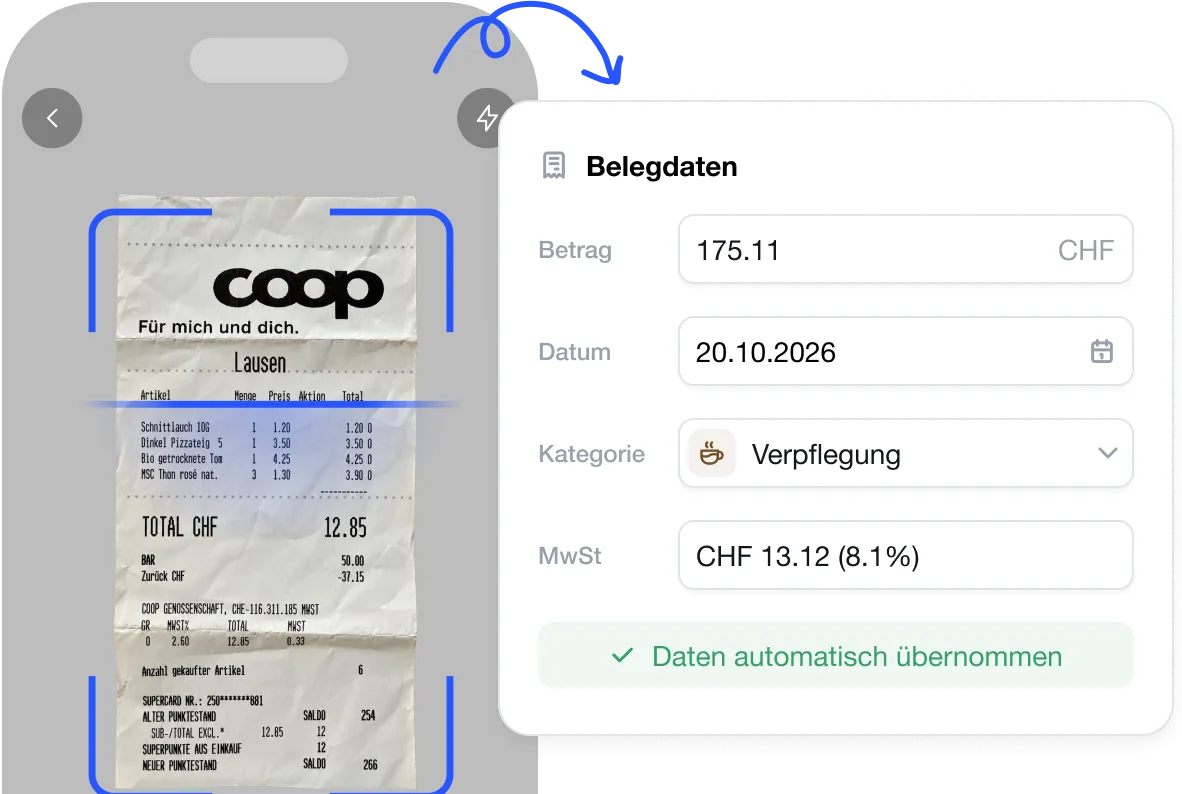
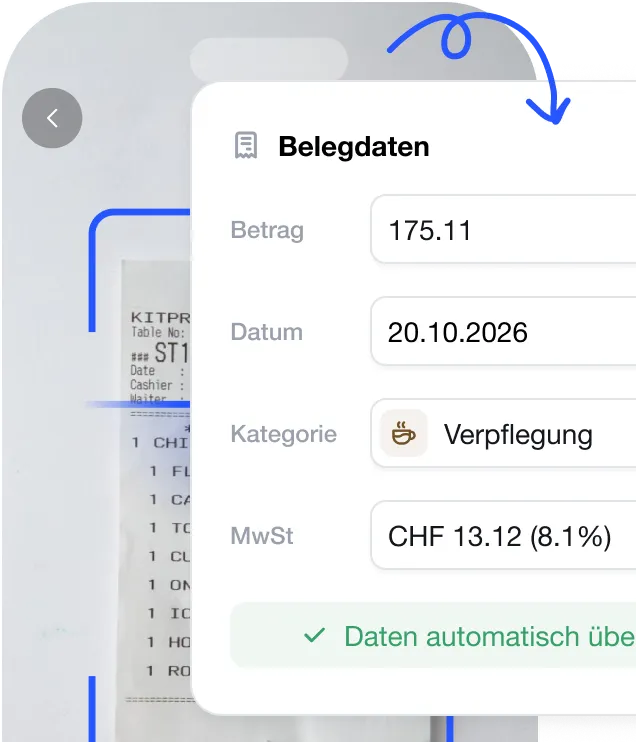
Belege automatisch erkennen lassen

Laden Sie Belege hoch, während die KI Betrag, Datum, Kategorie und Mehrwertsteuer automatisch für Sie übernimmt.
Mobile phone screen showing a scanned Coop receipt with prices and totals inside a blue scanning frame, and a white pop-up window labeled 'Belegdaten' displaying extracted data fields: amount (175.11 CHF), date (20.10.2026), category set to 'Verpflegung', and VAT (CHF 13.12, 8.1%), with confirmation text for automatic data capture in green.Screenshot of a mobile interface showing extracted receipt data with fields for amount 175.11, date 20.10.2026, category labeled as meals with an icon, and VAT CHF 13.12 at 8.1%, with a checkmark indicating automatic data transfer.

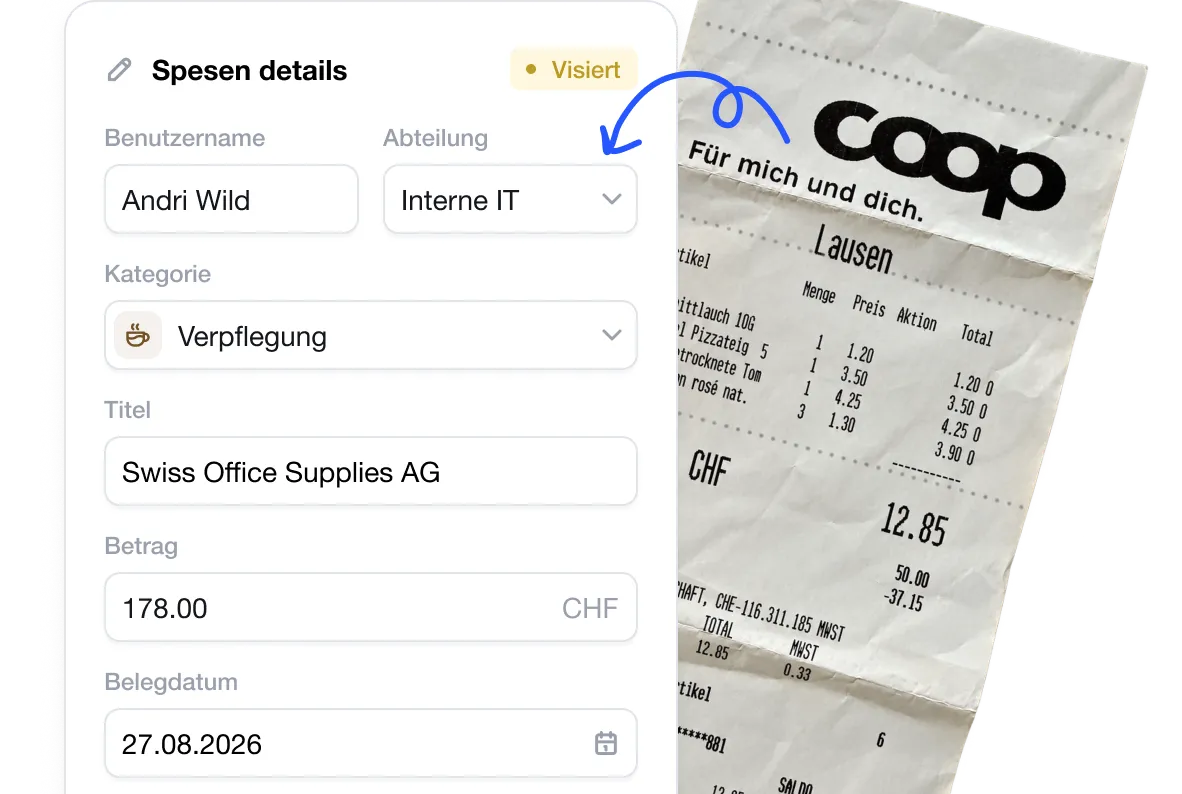
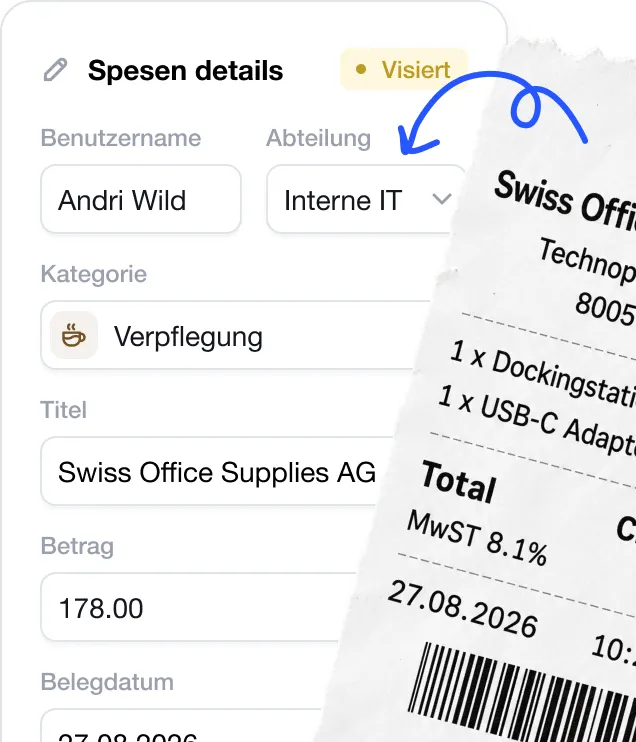
Spesen im Backoffice freigeben

Prüfen Sie eingereichte Spesen, ergänzen Sie fehlende Angaben und geben Sie jede Ausgabe mit wenigen Klicks frei.
Screen showing an expense details form filled with user 'Andri Wild' from 'Interne IT' department, category 'Verpflegung', title 'Swiss Office Supplies AG', amount 178.00 CHF, and receipt date 27.08.2026, next to a Coop store paper receipt with itemized purchases and total 12.85 CHF.Close-up of an expense details form with fields showing username Andri Wild, department Interne IT, category Verpflegung with a coffee icon, title Swiss Office Supplies AG, amount 178.00, and date 27.08.2026, alongside a torn receipt listing Swiss Office Supplies AG items including a docking station and USB-C adapter, with total and tax rate 8.1%.

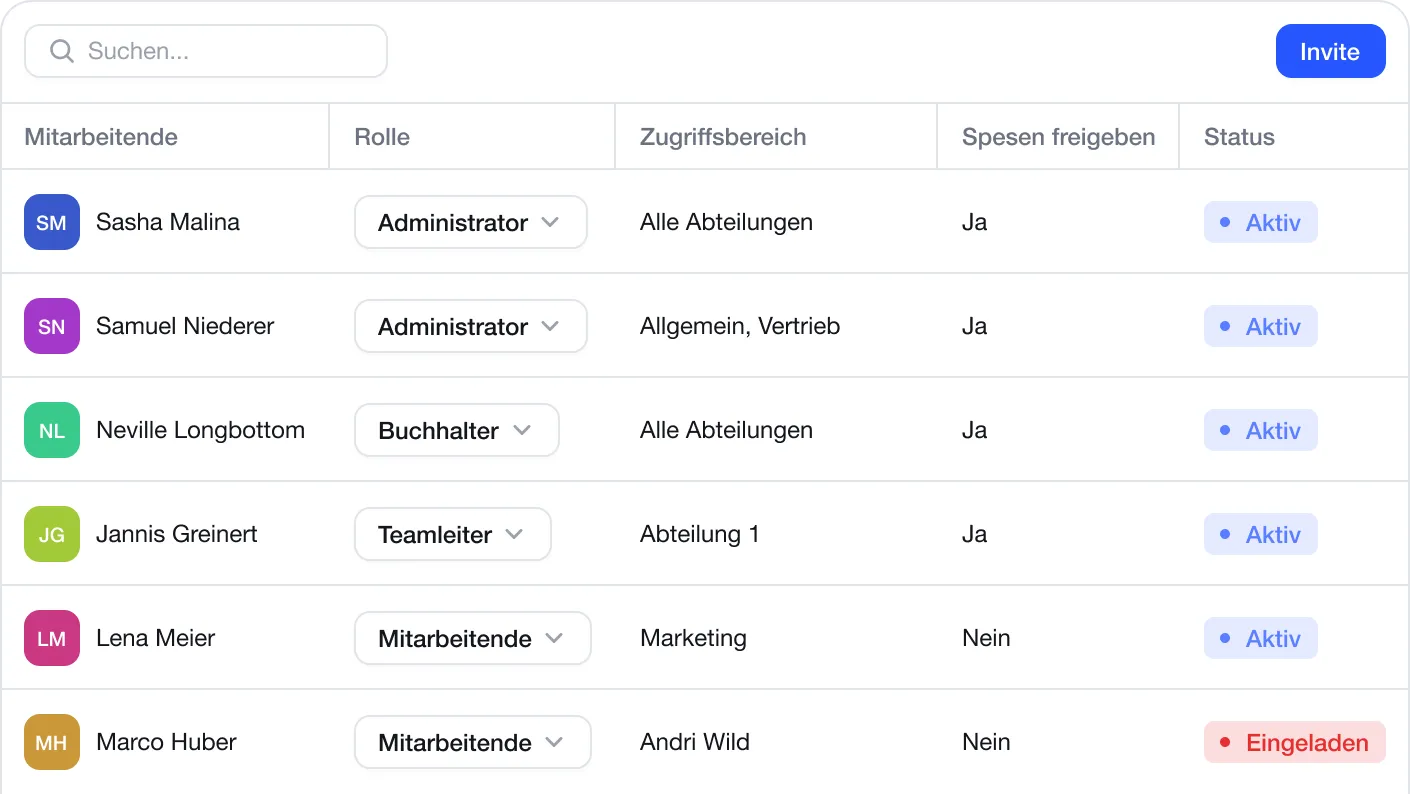
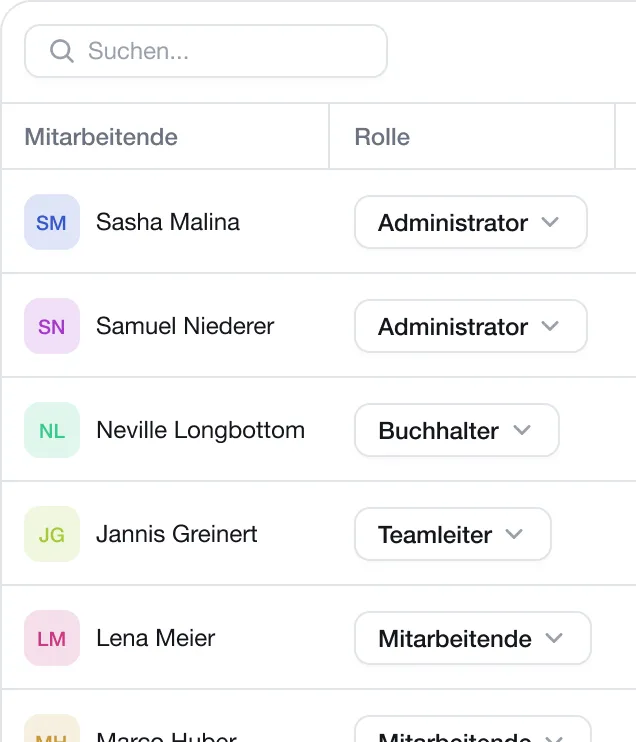
Team und Lizenzen zentral verwalten

Laden Sie Mitarbeitende ein, vergeben Sie passende Rechte und behalten Sie Ihre Lizenzen jederzeit zentral im Blick.
User management table with columns for employee, role, access area, expense approval, and status showing six employees with different roles including Administrator, Buchhalter, Teamleiter, and Mitarbeitende. Status includes 'Aktiv' in blue for most and 'Eingeladen' in red for one employee. There is a search bar and an Invite button above the table.User interface showing a list of employees and their roles with a search bar at the top, including Sasha Malina and Samuel Niederer as Administrators, Neville Longbottom as Buchhalter, Jannis Greinert as Teamleiter, and Lena Meier and Marco Huber as Mitarbeitende.

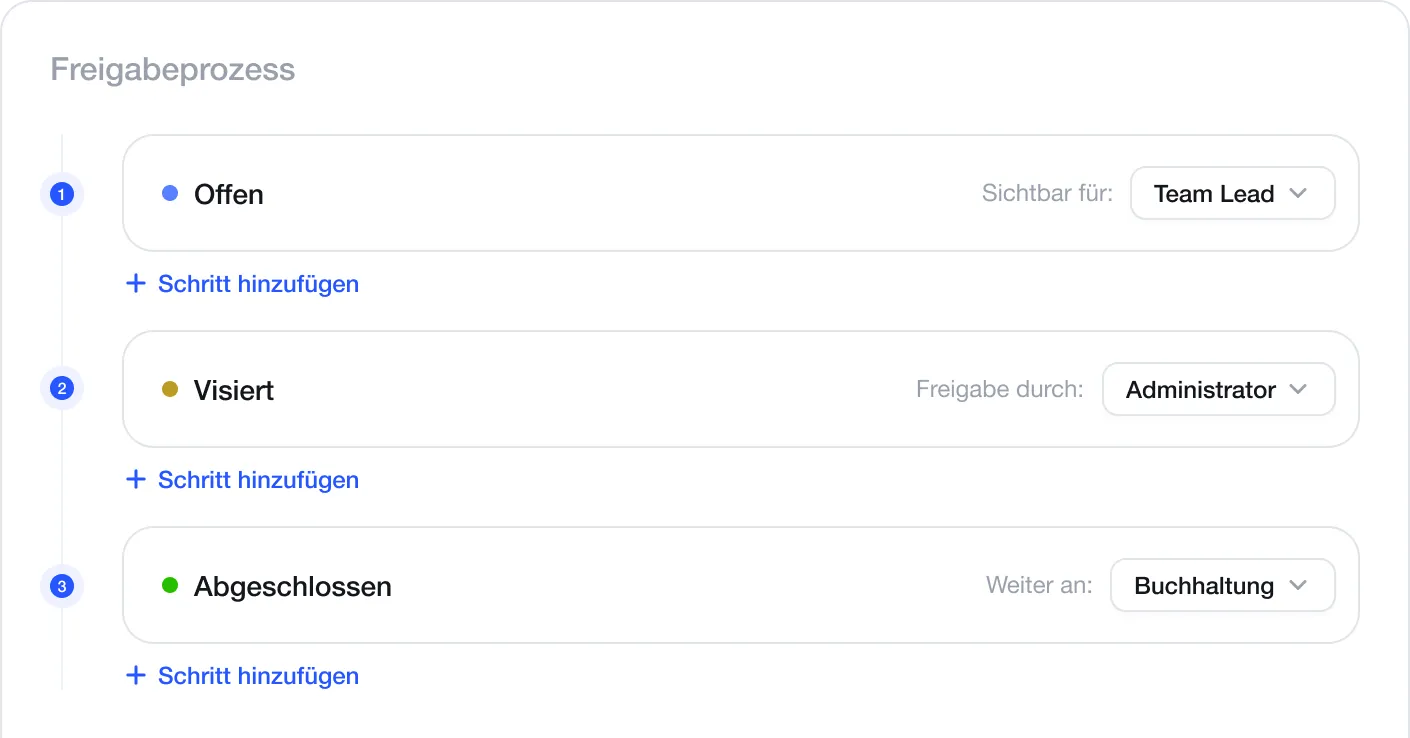
Freigabeprozesse einfach steuern

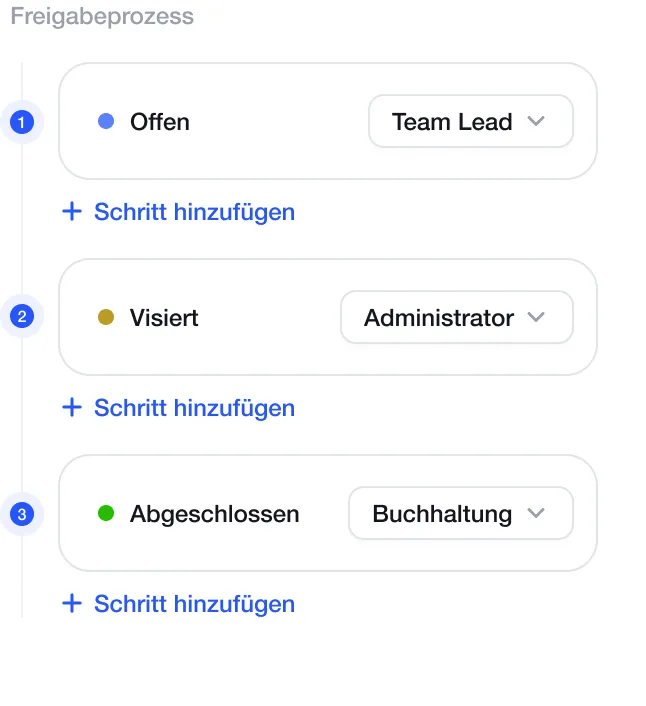
Legen Sie fest, wer Spesen prüft und freigibt. Jede Ausgabe wird automatisch an die nächste zuständige Person weitergeleitet - bis zur Buchhaltung.
Workflow for approval process showing three steps: Step 1 labeled 'Offen' with a blue dot, visible to Team Lead; Step 2 labeled 'Visiert' with a yellow dot, approval by Administrator; Step 3 labeled 'Abgeschlossen' with a green dot, forwarded to Buchhaltung. Each step includes an option to add another step.Release process interface showing three steps: 1. Open with a blue dot assigned to Team Lead, 2. Approved with an orange dot assigned to Administrator, 3. Completed with a green dot assigned to Accounting, each with a '+ Add step' link below.
Export & Demo

Berichte flexibel erstellen und exportieren

Erstellen Sie Berichte nach Zeitraum, Mitarbeitenden oder Kategorie und laden Sie diese als PDF, Excel oder CSV herunter.
PDF export

PDF Report

Druckfertig, strukturiert nach Kategorien und Mitarbeitenden.
PDF Herunterladen
Excel export

Excel Export

Direkt für Buchhaltung oder Weiterverarbeitung in Excel.
Excel Herunterladen
CSV export

CSV Export

Kompatibel mit allen Buchhaltungssystemen und Tools.
CSV Herunterladen
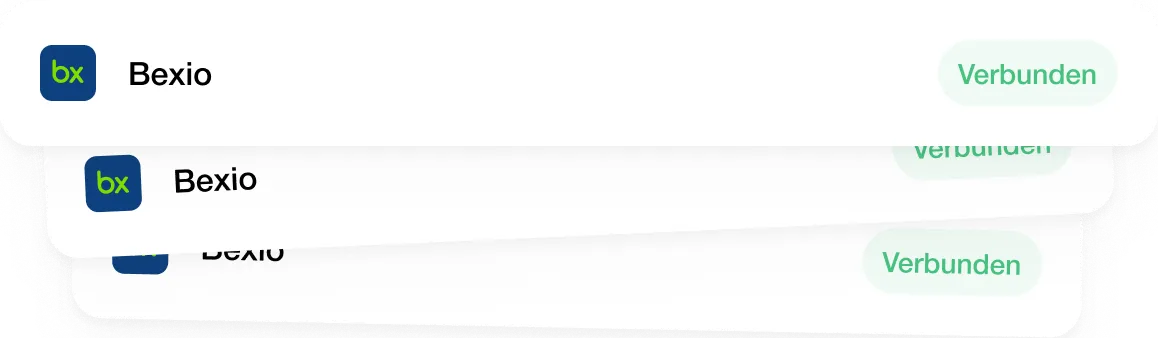
Cloud + Bexio

Freigegebene Spesen automatisch in Bexio verbuchen.

Connect Spesen Cloud to your Bexio account once. Approved expenses are automatically transferred to the right account - including the receipt and VAT.
Integration:
Stacked interface cards each showing a blue and green bx logo, the text 'Bexio', and a green pill-shaped label with the word 'Verbunden'.

Freigegebene Spesen automatisch in Bexio verbuchen.

Starten Sie kostenlos und wählen Sie den Plan, der zu Ihrer Buchhaltung passt.
Spesen Cloud

8 CHF

pro User Monat
Die komplette Spesenlösung für Ihr Team, mit Export für jede Buchhaltung.
Spesen App für alle Mitarbeitenden (iOS und Android)
KI-Belegerkennung: Betrag, Datum und MWST automatisch erfasst
Unbegrenzte Spesen und Belege
Kategorien und Tags zentral für die ganze Firma verwalten
Prüfen und Freigeben im Backoffice
Dashboard und Auswertung pro Mitarbeitende
Export als PDF, Excel und CSV
Spesen Cloud+Bexio
Empfohlen für Bexio-Nutzer

12 CHF

pro User Monat
Spesen erfassen, freigeben und automatisch in Bexio verbuchen.
Alle Funktionen aus Spesen Cloud
Direkte Verbindung mit Ihrem Bexio-Konto
Automatische Übermittlung freigegebener Spesen an Bexio
Mapping Ihrer Spesen-Kategorien auf Ihre Bexio-Konten
Beleg direkt an der Buchung
MWST-Sätze automatisch den Bexio-Steuercodes zugeordnet
Individuelle Integration

Auf Anfrage

Sie möchten Spesen vollständig in Ihre bestehenden Prozesse integrieren? Wir entwickeln mit Ihnen die passende API-Anbindung für Ihr Unternehmen.
Alle Funktionen aus Spesen Cloud
Support aus der Schweiz
Individuelle API-Anbindung an Ihre Systeme
Integration in bestehende Prozesse und Workflows
Individuelle Datenübertragung und Feldzuordnung
Persönliche Beratung für die technische Umsetzung
Lösung passend zu Ihren Anforderungen
Spesen Cloud

8 CHF

pro User Monat
Die komplette Spesenlösung für Ihr Team, mit Export für jede Buchhaltung.
Spesen App für alle Mitarbeitenden (iOS und Android)
KI-Belegerkennung: Betrag, Datum und MWST automatisch erfasst
Unbegrenzte Spesen und Belege
Kategorien und Tags zentral für die ganze Firma verwalten
Prüfen und Freigeben im Backoffice
Dashboard und Auswertung pro Mitarbeitende
Export als PDF, Excel und CSV
Spesen Cloud+Bexio
Empfohlen für Bexio-Nutzer

12 CHF

pro User Monat
Spesen erfassen, freigeben und automatisch in Bexio verbuchen.
Alle Funktionen aus Spesen Cloud
Direkte Verbindung mit Ihrem Bexio-Konto
Automatische Übermittlung freigegebener Spesen an Bexio
Mapping Ihrer Spesen-Kategorien auf Ihre Bexio-Konten
Beleg direkt an der Buchung
MWST-Sätze automatisch den Bexio-Steuercodes zugeordnet
Individuelle Integration

Auf Anfrage

Sie möchten Spesen vollständig in Ihre bestehenden Prozesse integrieren? Wir entwickeln mit Ihnen die passende API-Anbindung für Ihr Unternehmen.
Alle Funktionen aus Spesen Cloud
Support aus der Schweiz
Individuelle API-Anbindung an Ihre Systeme
Integration in bestehende Prozesse und Workflows
Individuelle Datenübertragung und Feldzuordnung
Persönliche Beratung für die technische Umsetzung
Lösung passend zu Ihren Anforderungen

Für Einzelpersonen und Selbstständige

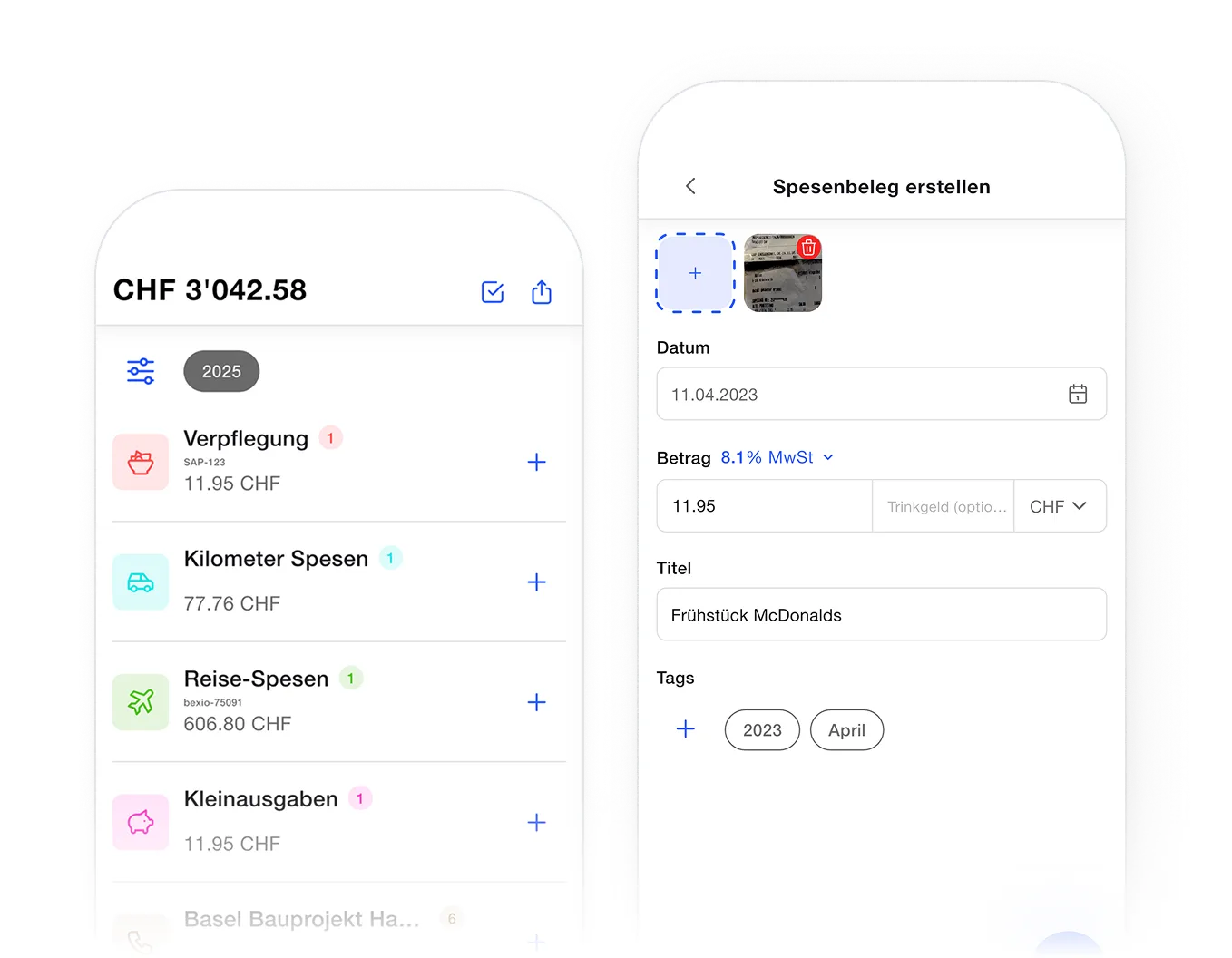
Sie möchten Ihre eigenen Spesen unkompliziert erfassen? Die Spesen App ist auch als einfache mobile Lösung für Einzelpersonen verfügbar.
Belege automatisch erkennen mit Hilfe eines AI-Scans
PDF & CSV Report exportieren
Eigene Spesen Kategorien anlegen
Fahrtenkilometer mit automatischer Berechnung der Kilometer Spesen

Apple App Store Button blauGet it on Google Play Button blau als SVG
Two smartphone screens showing an expense tracking app in German; the left screen displays total expenses CHF 3042.58 with categories like meals, kilometer expenses, travel expenses, and small expenses with amounts and plus icons to add entries; the right screen shows creating an expense receipt with a photo upload, date set to 11.04.2023, amount 11.95 CHF, title 'Frühstück McDonalds', and tags for 2023 and April.

Bereit für eine einfachere Spesenverwaltung?

esten Sie Spesen Cloud 14 Tage kostenlos oder lassen Sie sich die Lösung persönlich zeigen.
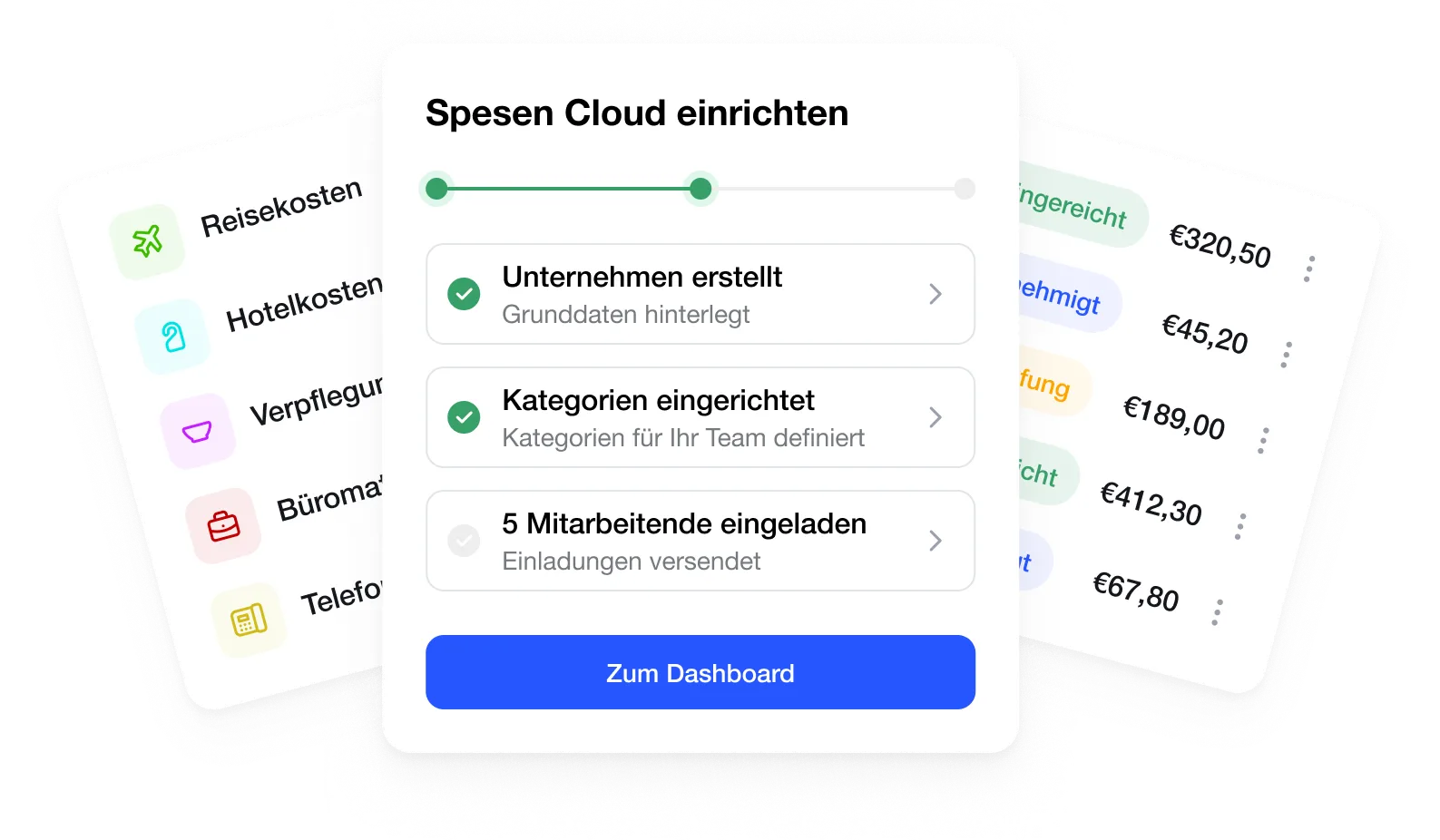
Setup progress screen for 'Spesen Cloud' showing three steps: company created with data saved, categories set for team, invitations sent to 5 employees; a blue button labeled 'Zum Dashboard' below. Flanking panels show expense categories with icons on left and a list of expenses with statuses and amounts in euros on right.